About Sudoku
Play Sudoku online with a fresh puzzle every time. Each grid is generated on the spot and checked to have exactly one solution, from relaxing Easy puzzles to tough Expert ones. Pencil in notes, undo freely, and ask the AI for a hint when you're stuck.
How to play
- Fill every row, column and 3×3 box with the digits 1 to 9, each exactly once.
- Select a square and choose a number from the pad, or type it.
- Use Notes to pencil in candidate numbers; they clear automatically as you solve.
- Wrong numbers are shown in red and counted as mistakes.
- Use 💡 Hint to have the AI fill one square — the most constrained one if none is selected.
Controls
- Click a square, then a number
- Keys 1–9 to enter, Backspace to erase
- Arrow keys to move, N for notes, Ctrl/⌘+Z to undo
Features
- Unlimited generated puzzles
- Easy, Medium, Hard and Expert
- Notes and AI hints
- Best time per difficulty
Strategy & practical tips
- Scan the row, column and 3×3 box for each empty square. Start with cells where the combined restrictions leave only one candidate.
- Use Notes to track possibilities, then revisit them when nearby values change. A note is a candidate, not a confirmed answer.
- Before asking for a hint, choose a cell you want to understand. With no selection, the assistant can choose a constrained cell for you.
A common mistake
Entering a number because it fits the row while overlooking the column or box. All three constraints apply simultaneously.
Sudoku is free to play in any modern web browser on desktop, tablet and phone — no download, no account and no install. In games that track personal bests, records are saved in this browser and are removed if you clear site data.
More games to play
 New
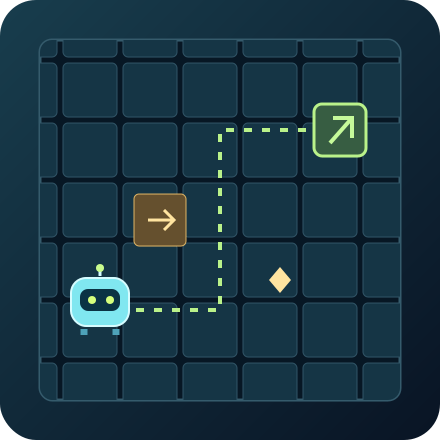
NewRobot Route
Queue commands to guide a robot through 12 factory puzzles. Collect energy, toggle gates and ride conveyors in fewer moves.
2048
Slide the tiles and merge matching numbers to build the 2048 tile — then keep going for a high score.

Minesweeper
Clear the minefield without detonating any mines. Classic puzzle strategy.
 New
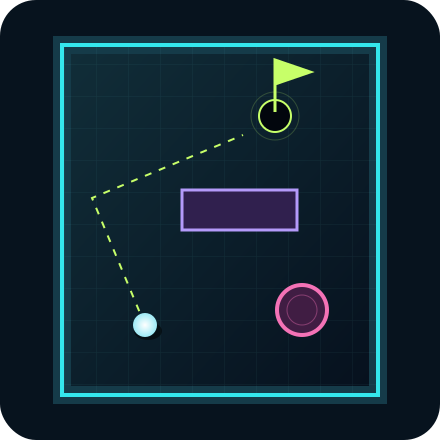
NewNeon Mini Golf
Putt through nine neon holes with bank shots, bumpers and moving gates. Set your power and chase a lower score.